
Readbird
Your hub for reading, listening, and knowledge management
- Free to start
- No ads, no algorithms
- Web and Android
- Data in the EU
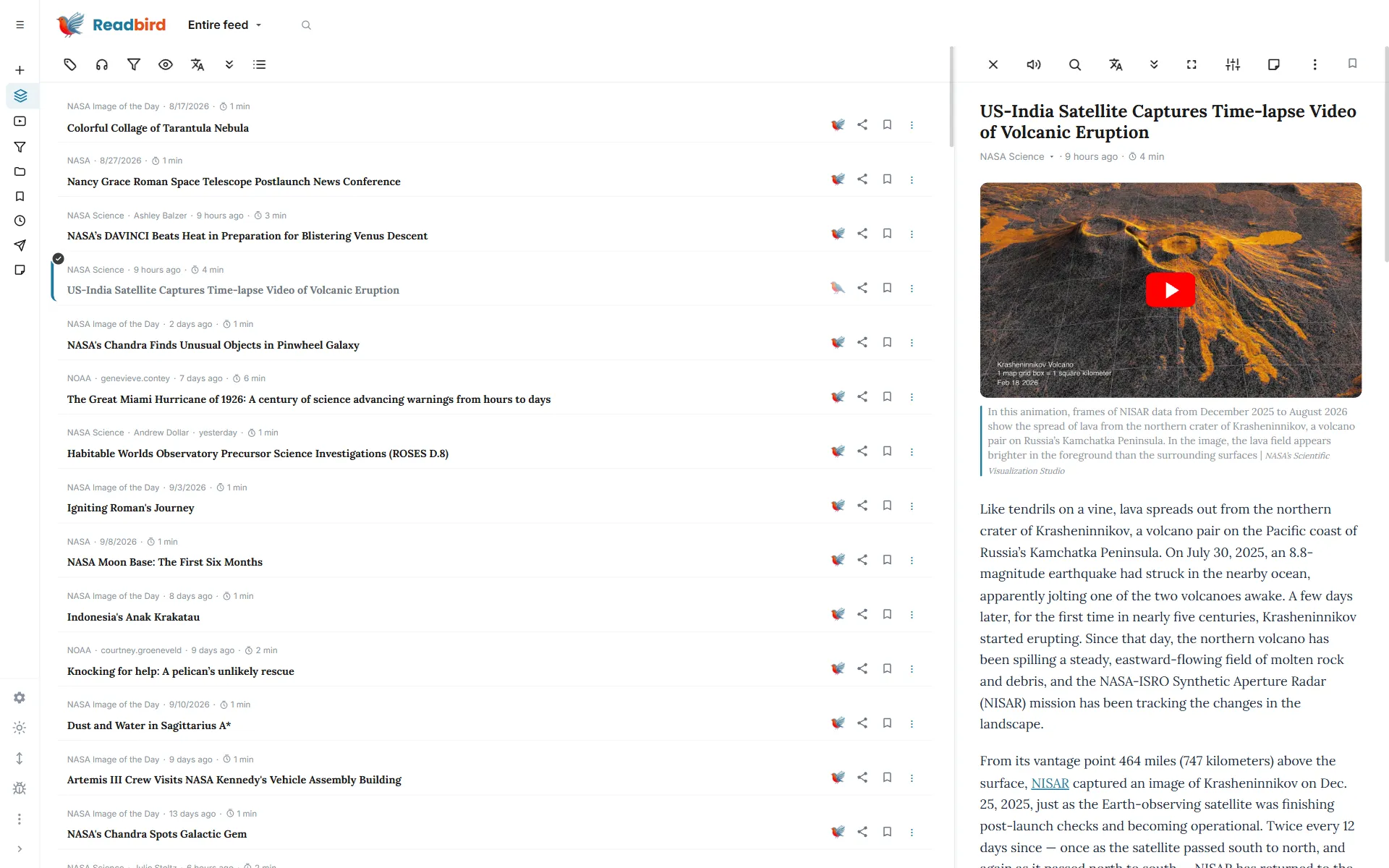
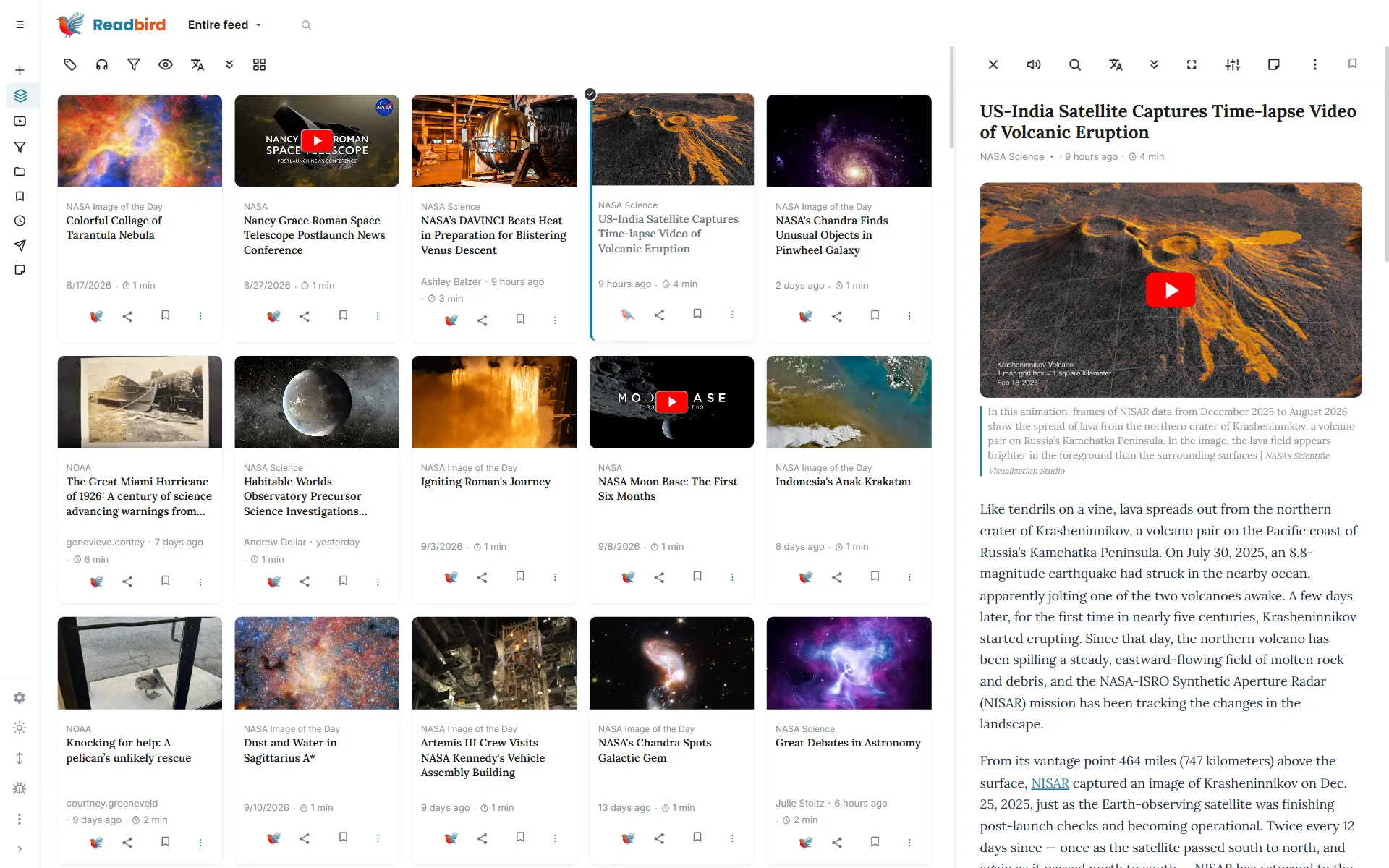
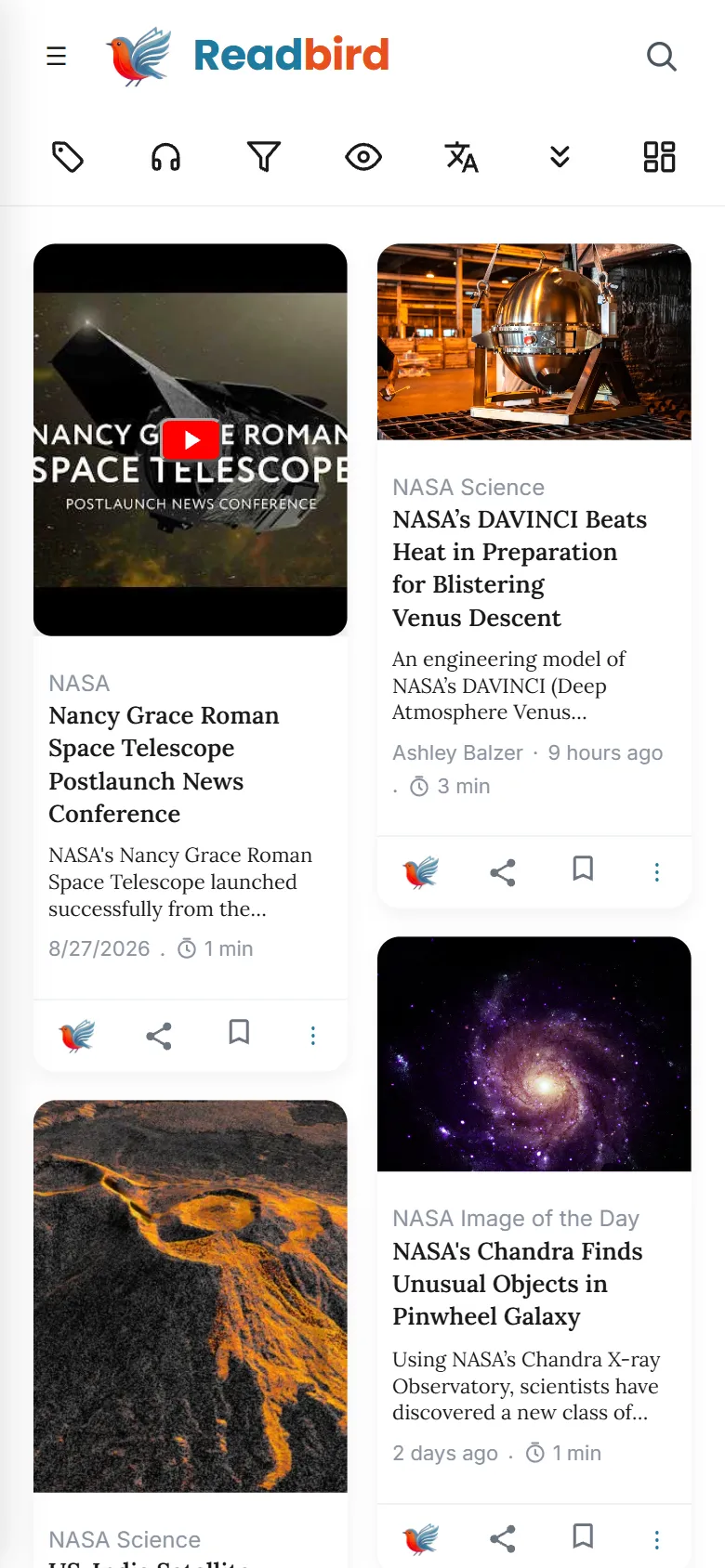
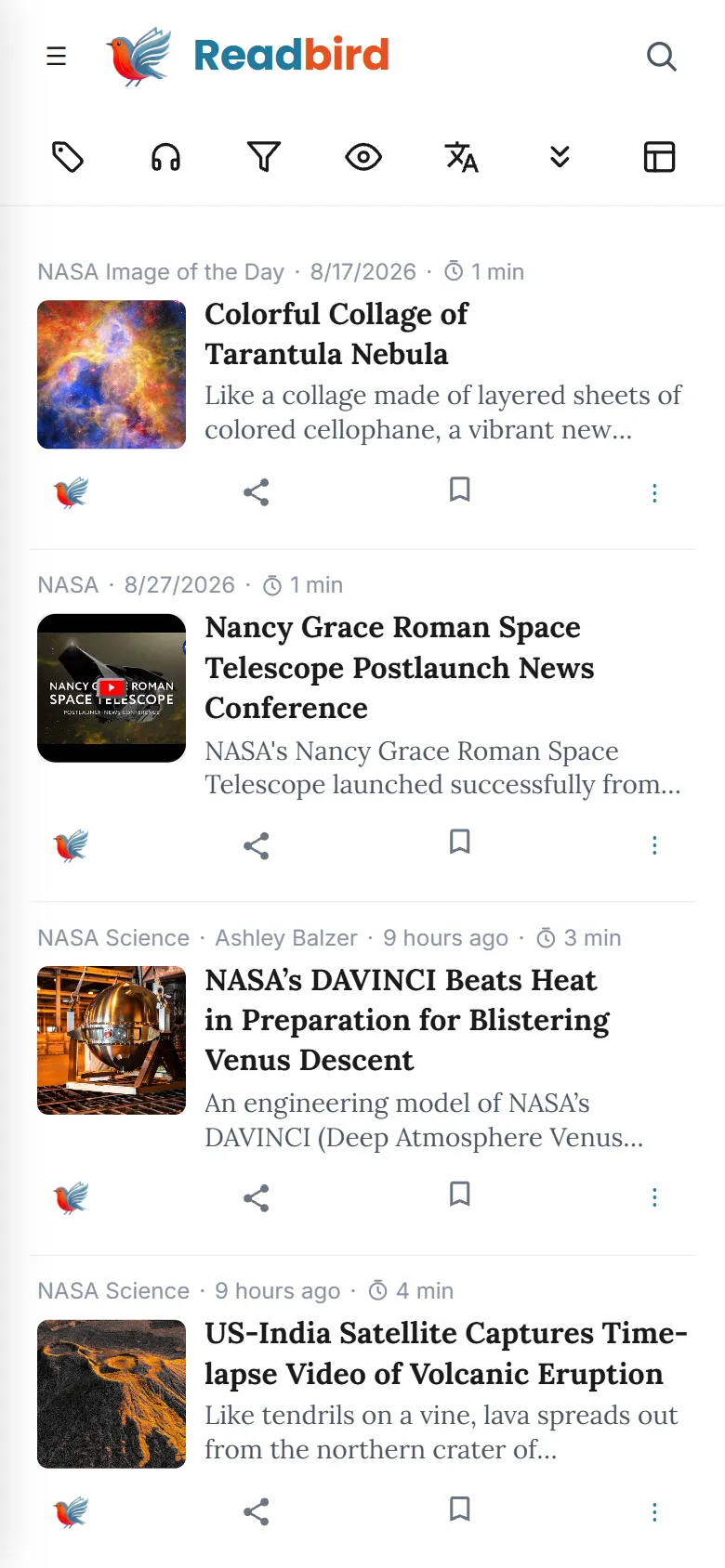
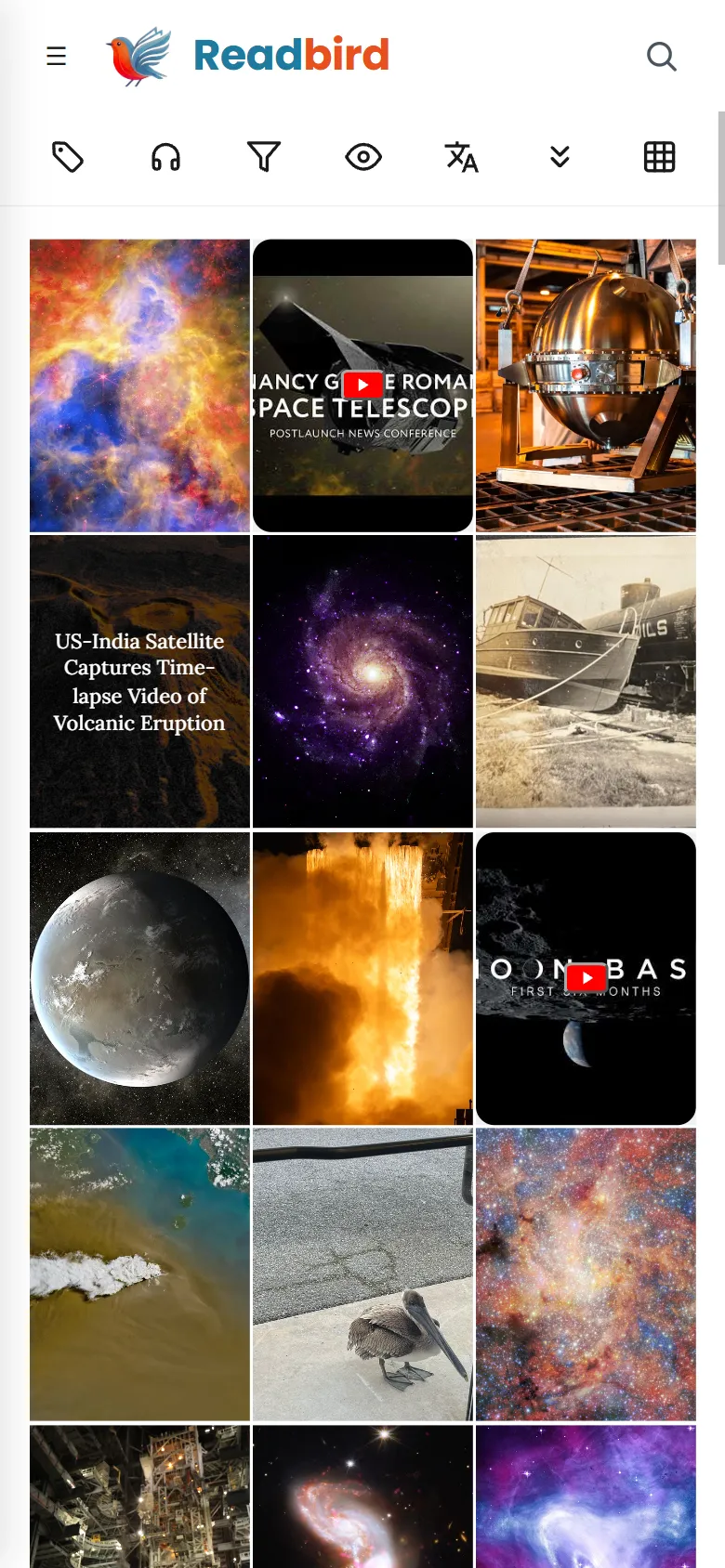
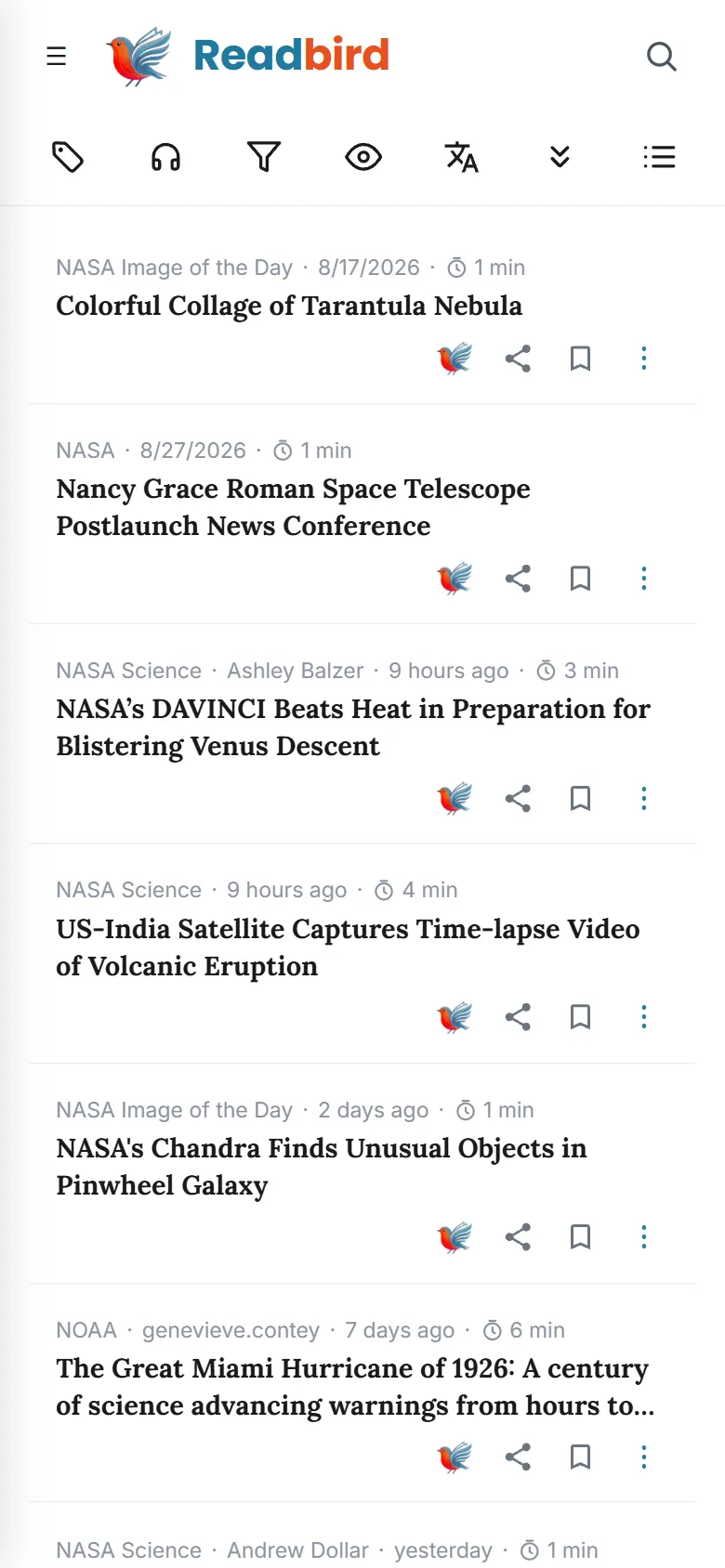
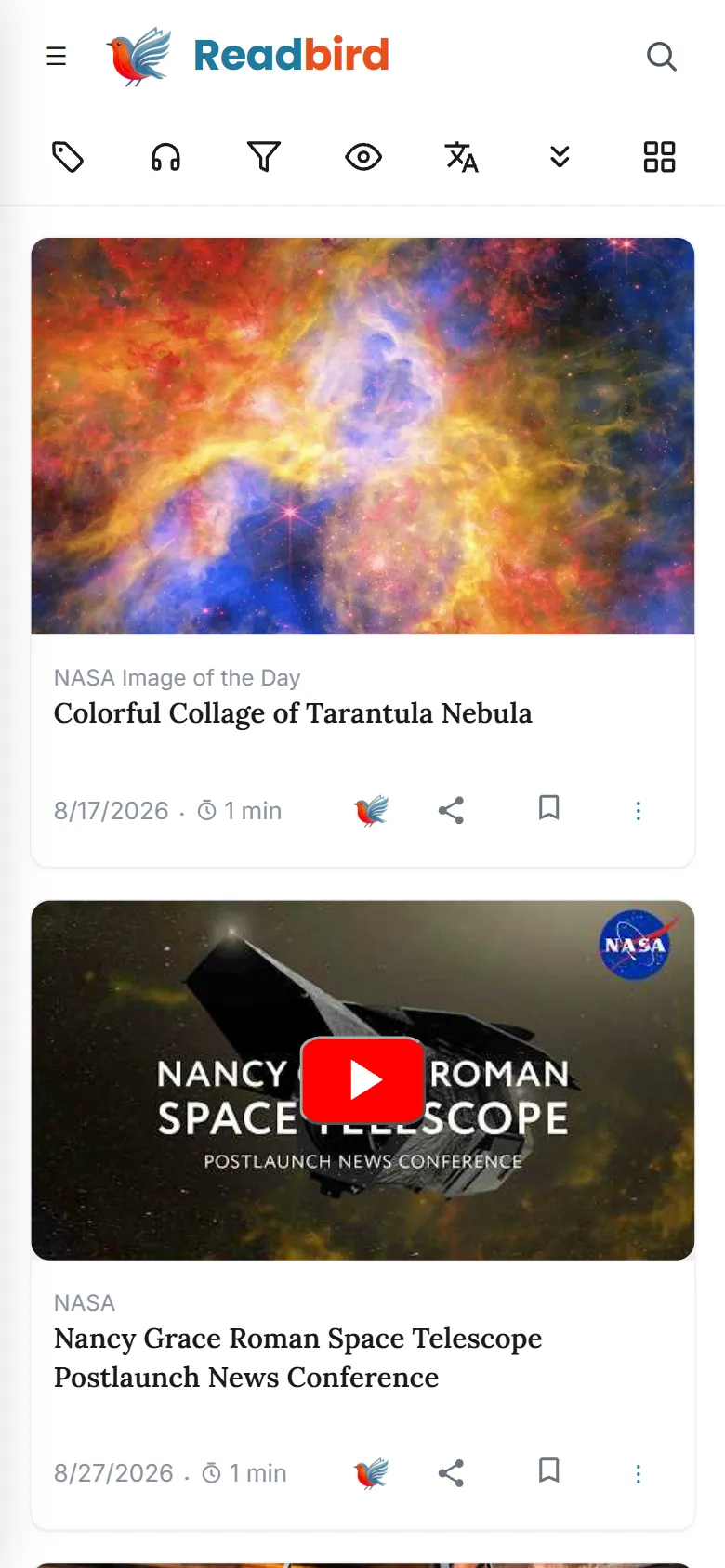
All in one
Replace multiple apps
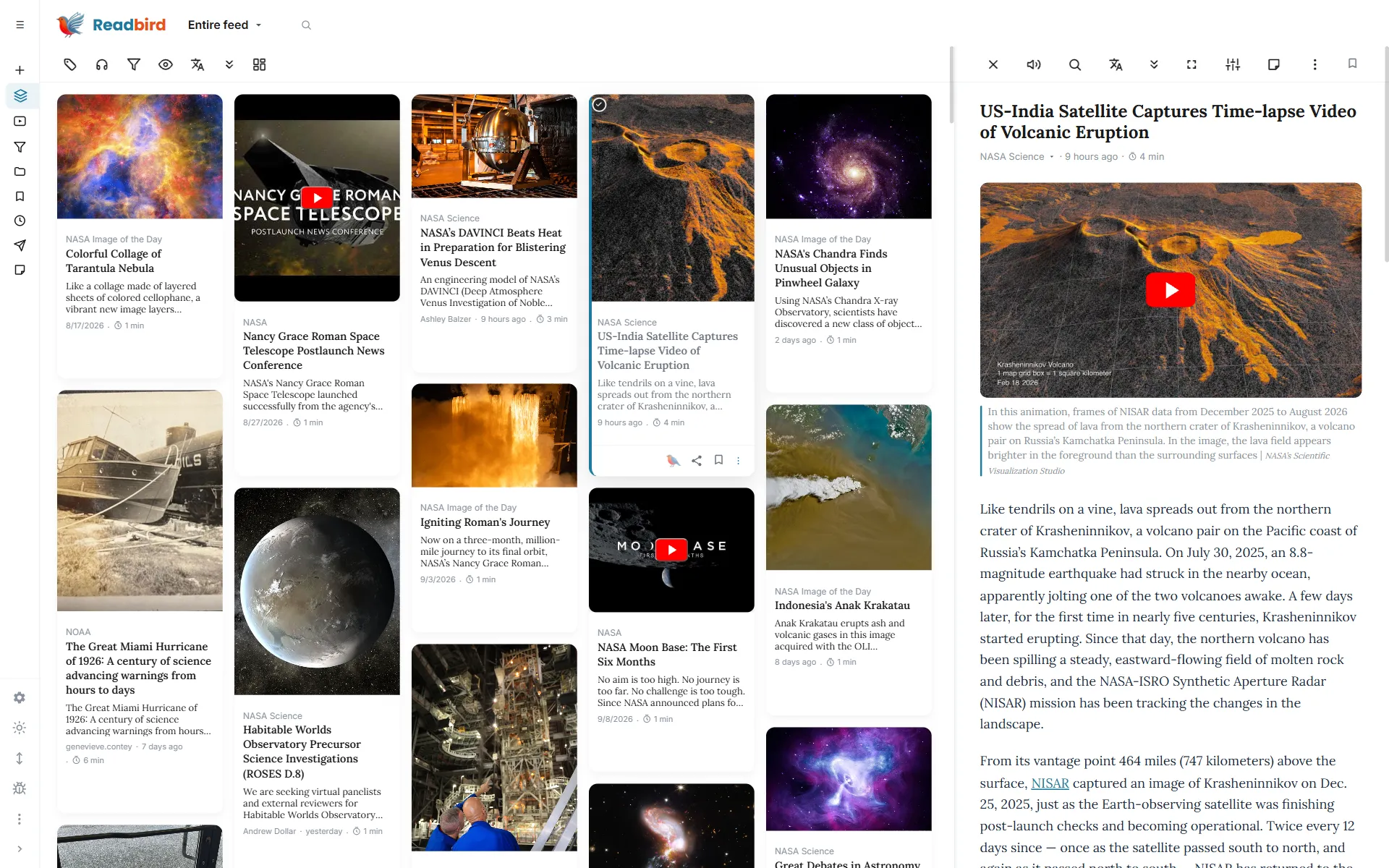
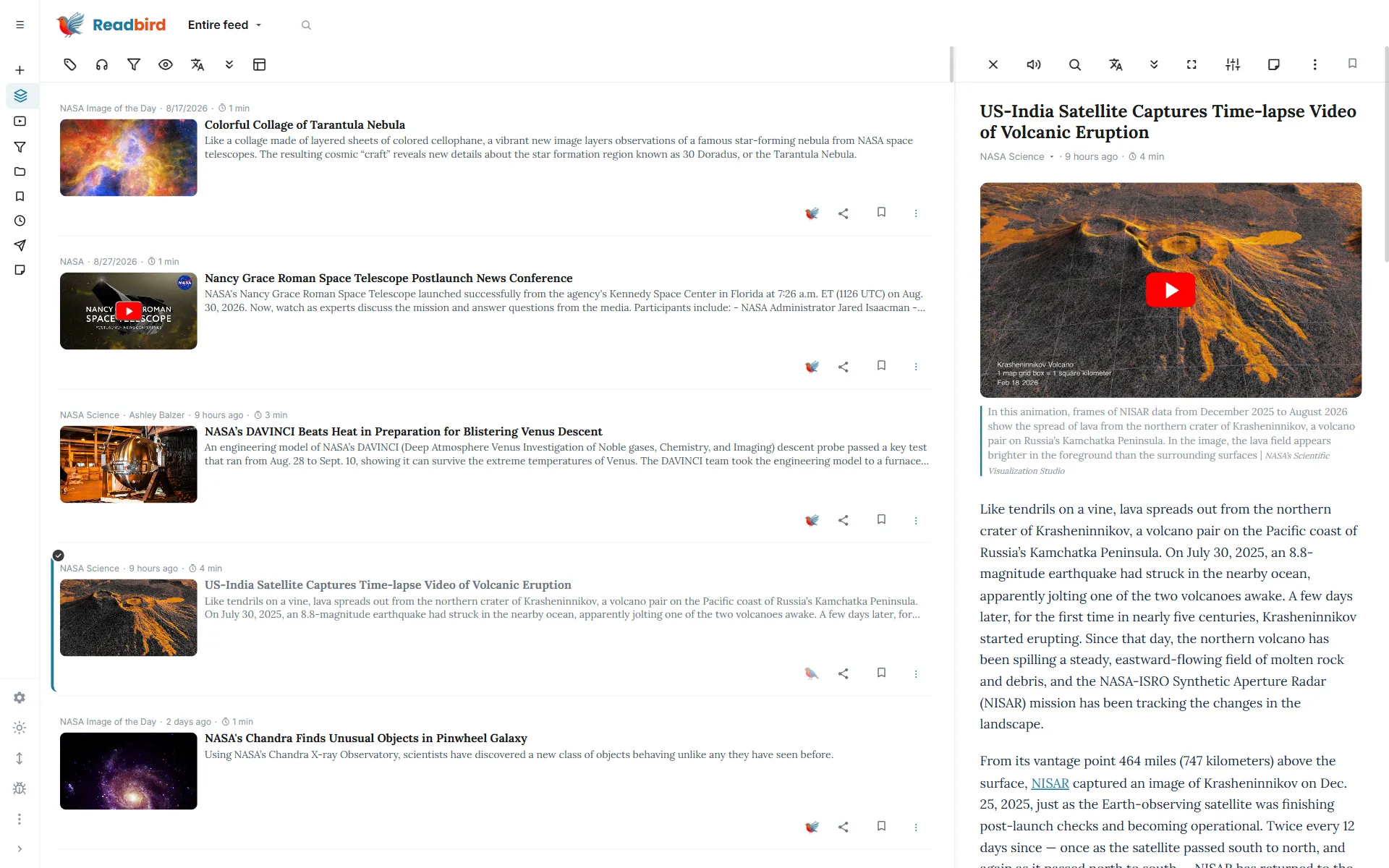
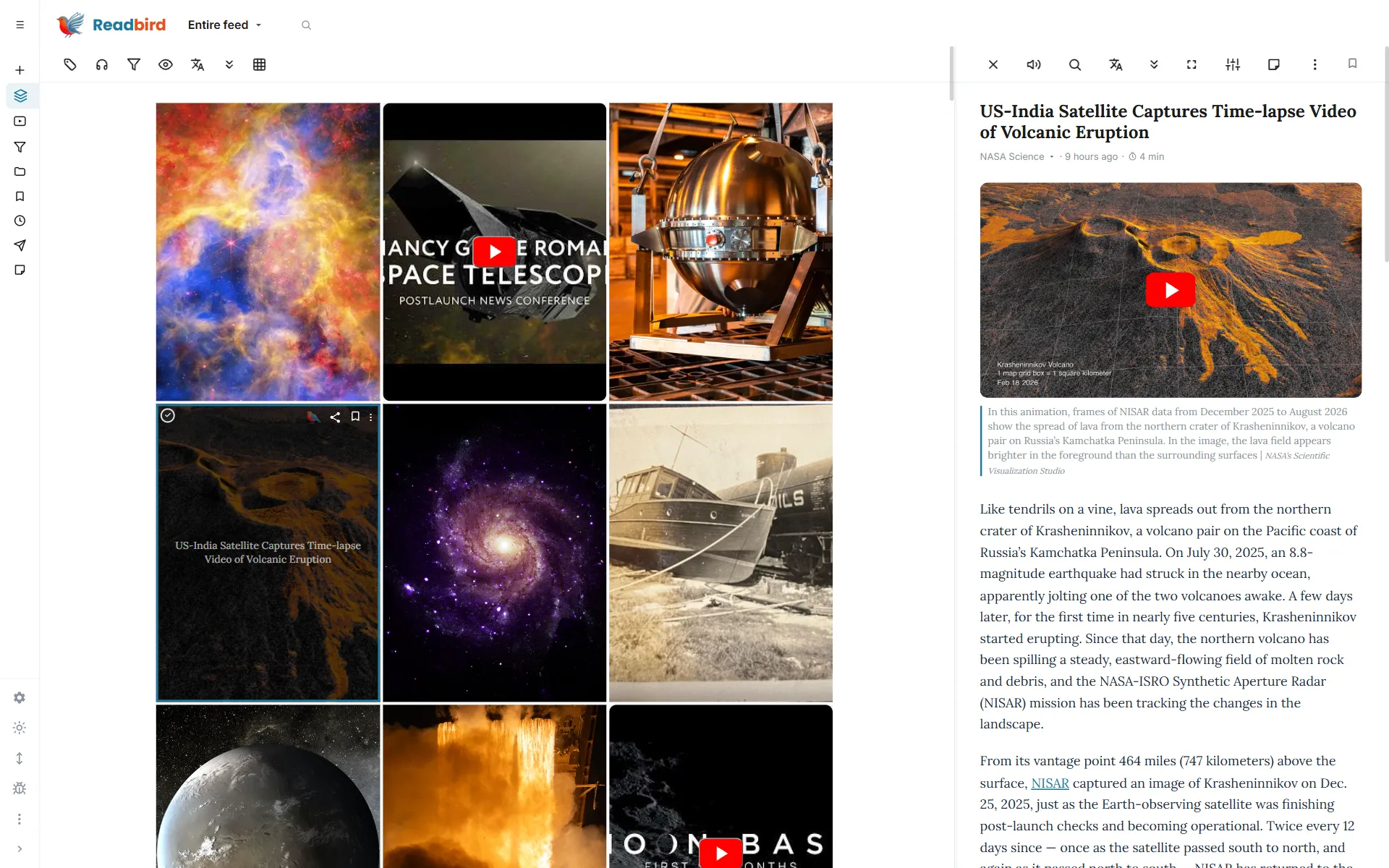
With one smart workspace: RSS, Read-it-Later, translator, TTS player, highlighter, and note-taking app
Reader
Ultra-clean reader
News without ads, distractions, or algorithms. Doesn't look perfect? Drop us a line — we'll tailor your source
Full-text RSS reader. Read complete articles without losing videos, embedded posts, images or graphics
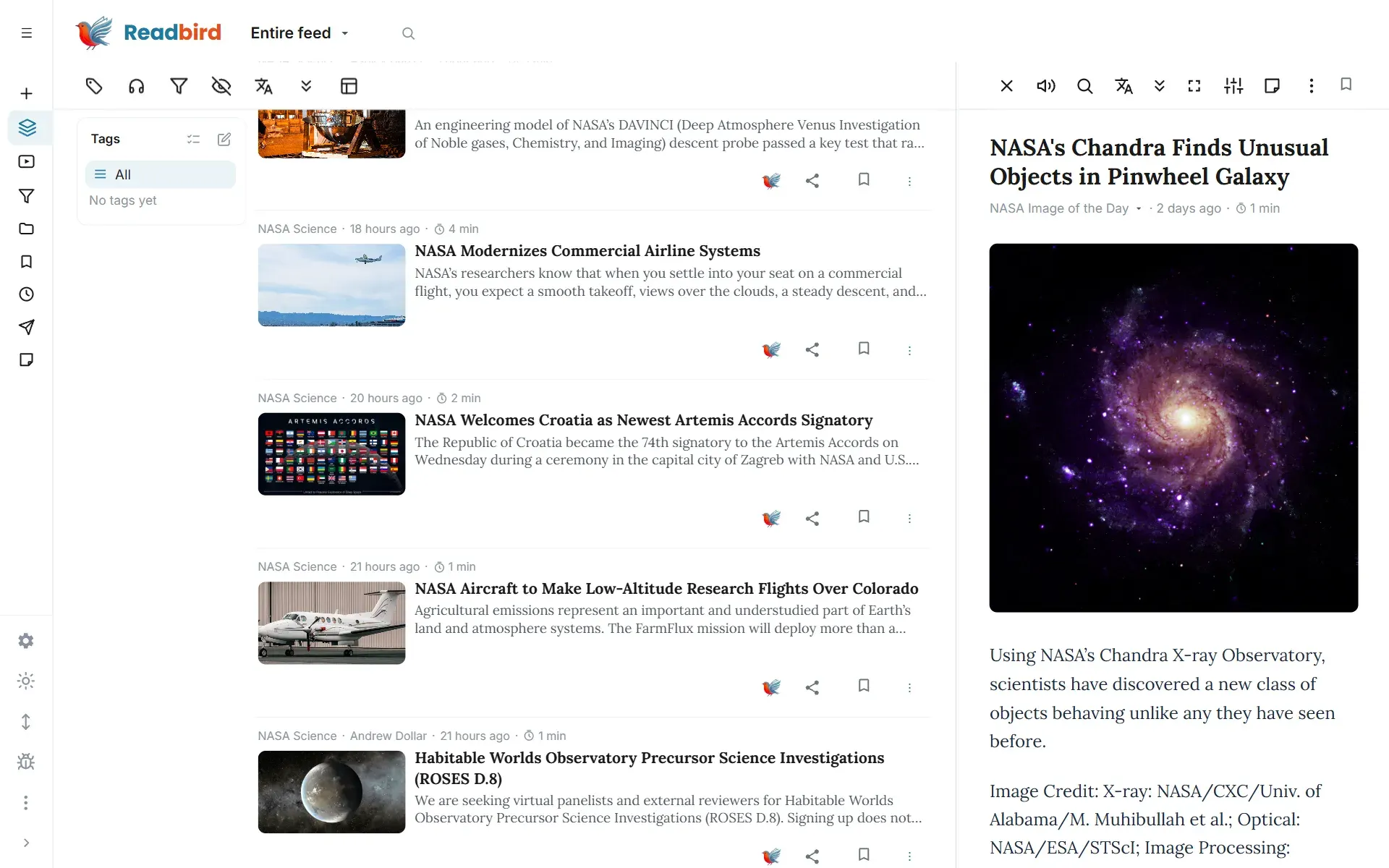
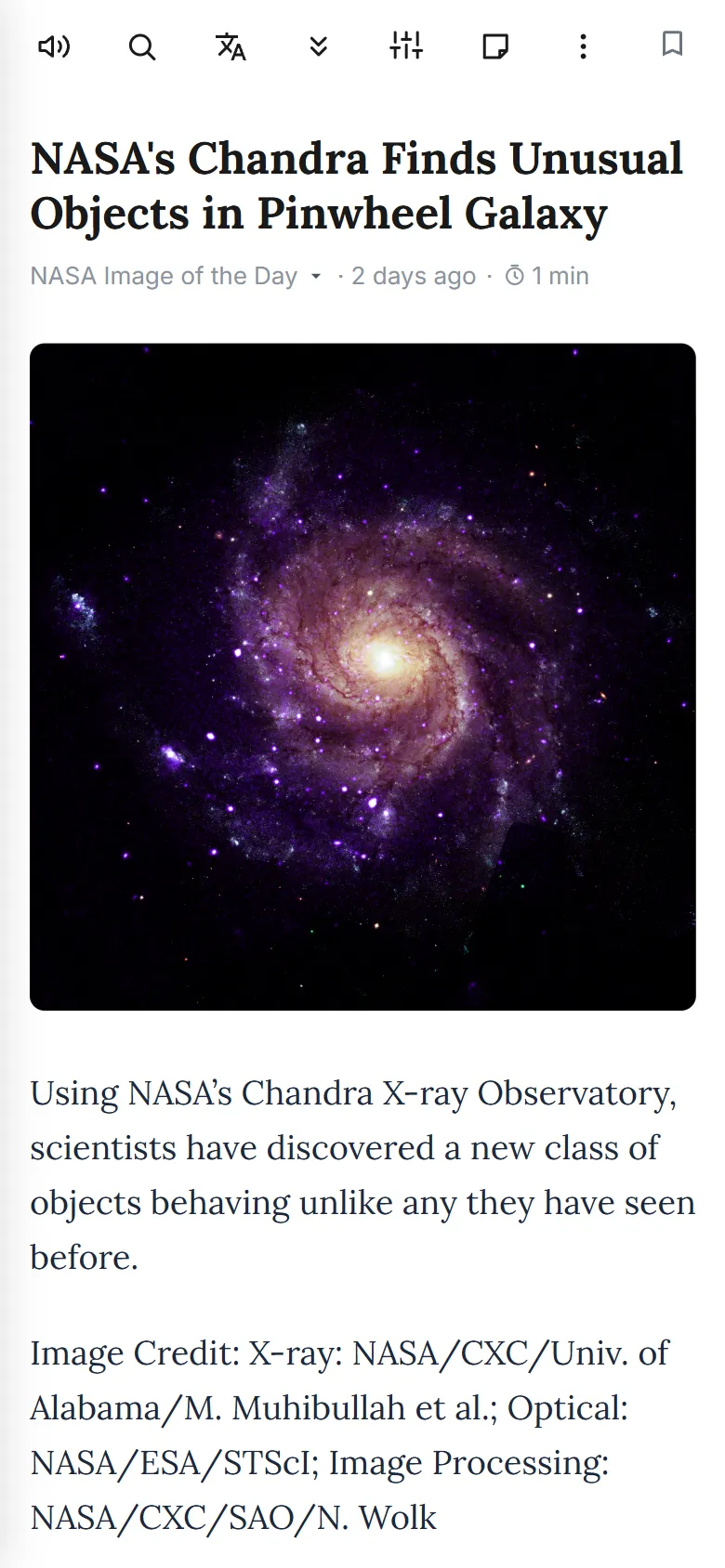
Read later
Read-it-later
With full offline access to every article
Highlights
Unlimited highlights
Keep what matters like a pro with spaced repetition and 1-tap jumps to the original
Listen
Unlimited Text-to-Speech
Listen to any article, hear translations instantly, or play back your notes
Smart feed
Smart filtering
Tired of specific topics? Set your keywords and those articles leave your feed
Smart deduplication. Hides repeats and merges multi-language versions from the same source — your language up front, with links to the rest
Track what matters. Set keywords — matching articles will rise across your feeds and land in your smart folders
Notes
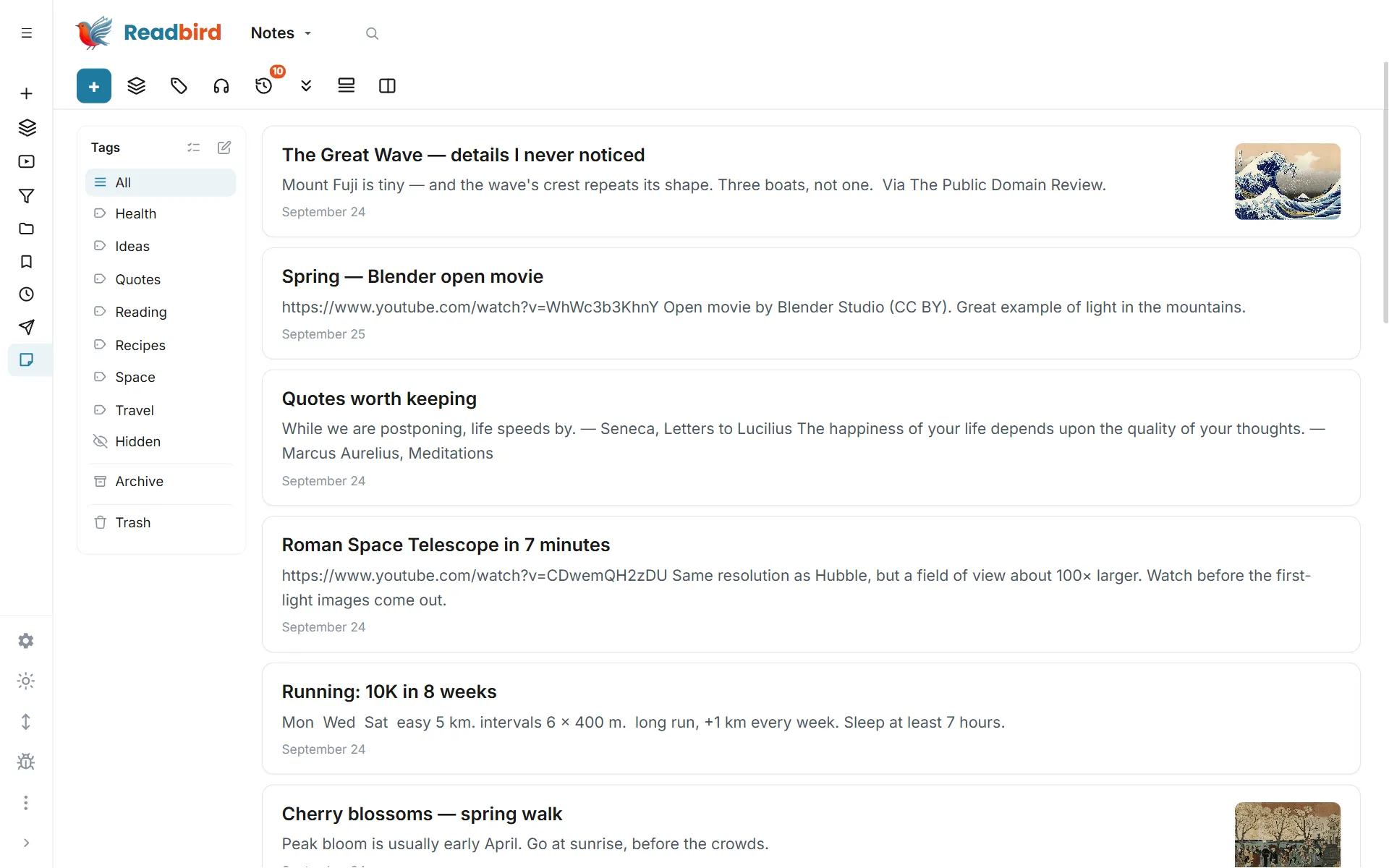
Advanced notes
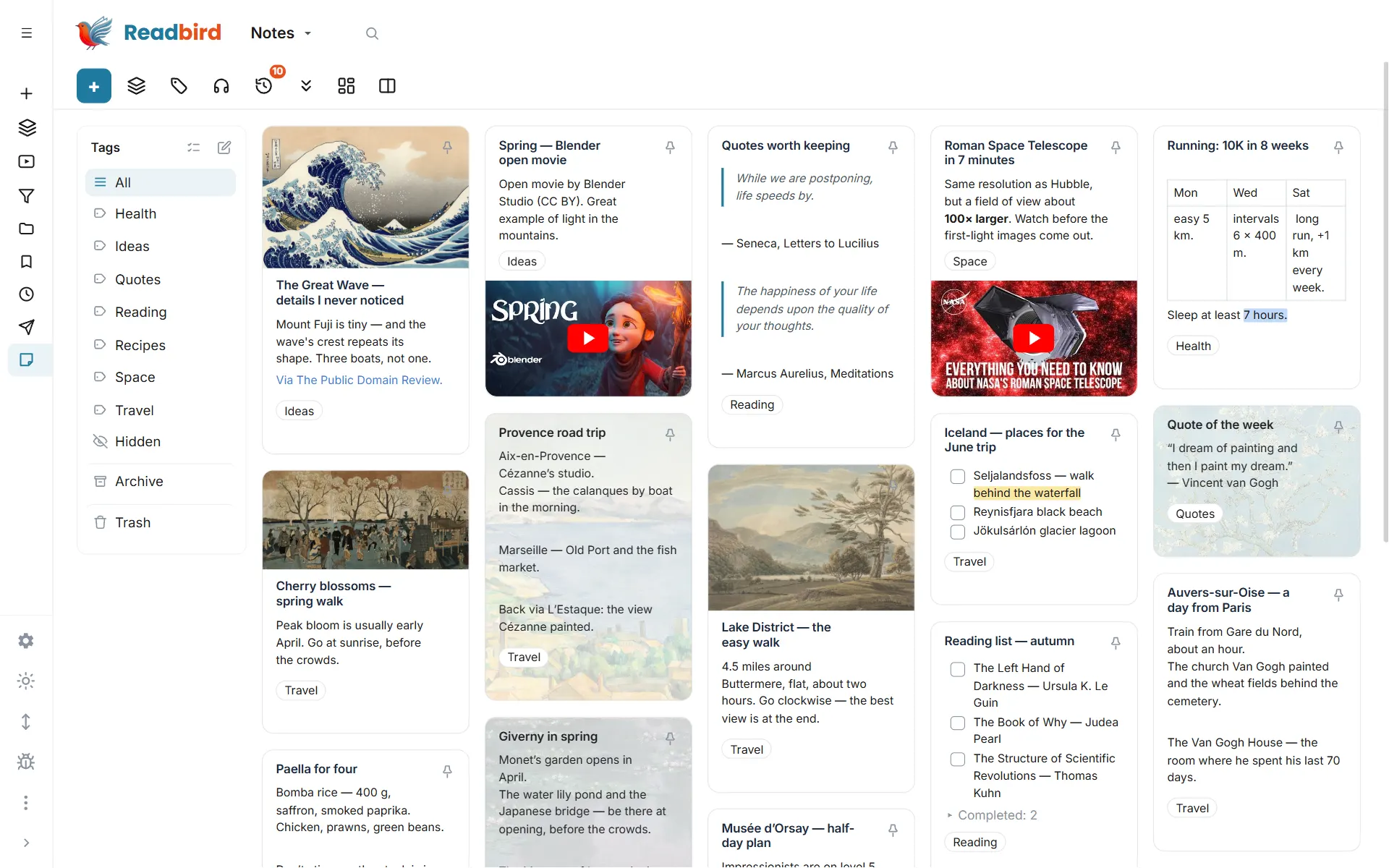
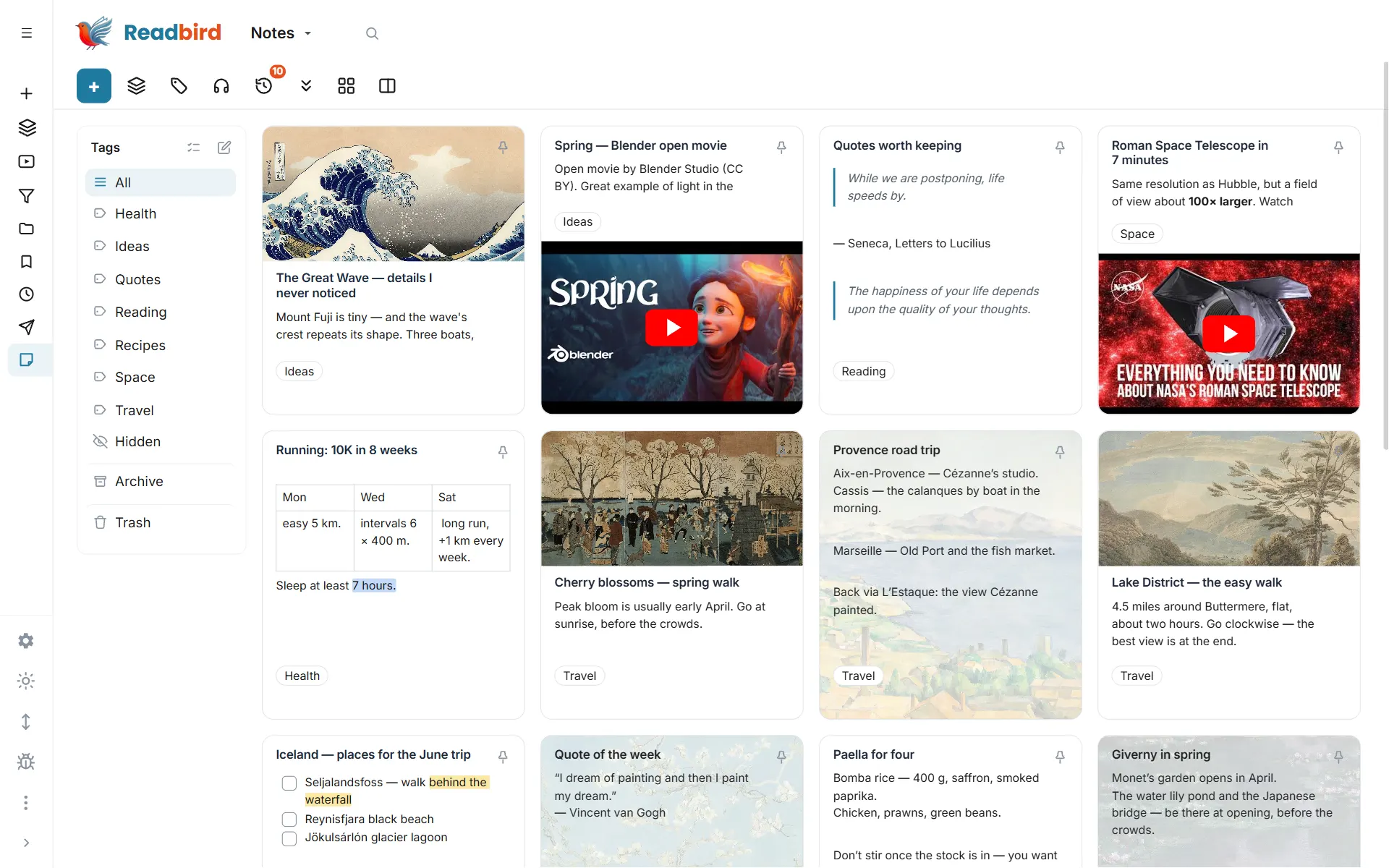
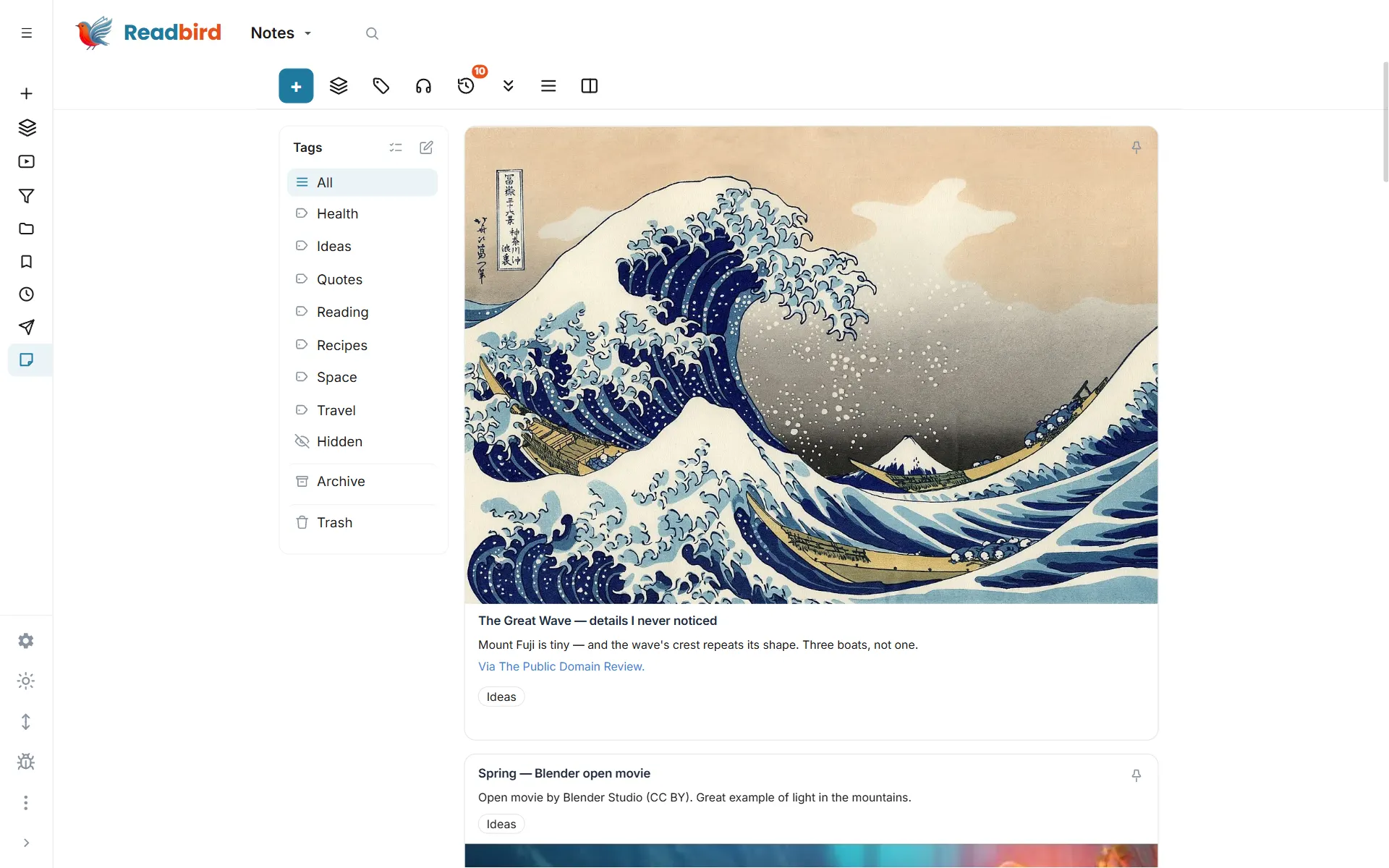
Drag-and-drop labeling, dictation, playback, image editor, rich formatting, real-time co-editing, and reminders
And more
Your reader — your rules
Deep customization with dozens of settings
YouTube you can read
A video transcript right in the reader — free with your own Gemini key. Timestamps are clickable and jump the video; highlights from the transcript go to your notes.
Full offline
On mobile — saved articles, feed previews, notes, and unlimited translation with no internet
One-tap read-aloud feature
Listen to headlines or your entire feed, with auto-scroll, drag-and-drop labelling, and dozens more power features
Fast sync
across devices plus a full-featured web app
Translate Offline & Unlimited
on your phone, and use cloud AI translation when you’re online
Flow
Spontaneous notes with dictation, playback, and drag-and-drop onto the whiteboard
Privacy
No ads. No algorithms. No selling your data.
Readbird doesn’t trade in your attention. Your saved articles, highlights and notes are visible only to you — and you can take everything with you at any time.
Servers in the EU
Your data is stored in the EU. Readbird has no public side at all.
One-button export
Notes as Markdown, highlights as CSV, subscriptions as OPML, a full copy as JSON. Free and unlimited.
Fair to publishers
We don’t bypass paywalls and never send your cookies or passwords to other sites.
Leaving is just as easy
Delete your account in Settings — instantly, with no emails to support.
Questions
Frequently asked questions
How much does Readbird cost?
Right now Readbird is in active beta, so every feature is free and unlimited. A paid plan for advanced features will come later — but the core features will always stay free. There are no ads, and your reading data is never sold either way.
Can I take my data out of Readbird?
Yes, in full and for free. One button in Settings builds a single archive with everything: notes as separate Markdown files, highlights as Markdown and CSV, your reading list as CSV, subscriptions as OPML, and a complete JSON copy that Readbird can import back. The archive is assembled on your own device, there is no paid tier in front of it and no limit on how often you export. Leaving should be as easy as arriving.
How is Readbird different from Feedly, Inoreader, Pocket or Readwise?
Those are four separate products: two feed readers, a read-it-later service and a highlights vault. Readbird is all four in one account — RSS and YouTube subscriptions, saving articles for later with full offline access, unlimited highlights with spaced repetition, notes with photos and dictation, unlimited text-to-speech and translation. There is no ad layer, no recommendation algorithm and no gate in front of the basics.
Can I follow YouTube channels in Readbird?
Yes. Paste a channel link or just its @handle and new videos arrive in the same feed as your articles, with their own “Video” section, watchable without leaving the app. Shorts can be hidden with one switch.
Which platforms does it run on?
Any modern browser — Readbird is a progressive web app, so it installs to your home screen or desktop without an app store. There is also an Android build, and the layout is tuned for E Ink readers, tablets and large screens.
Does it work offline?
Yes. Feeds, saved articles, notes and highlights stay readable without a connection. On Android, translation also works fully offline, on the device, with no limits.
Can Readbird read articles aloud?
Yes, with no limits. Any article, translation, note or highlight can be listened to — including whole headlines of a feed one after another, with auto-scroll.
What can it translate?
Articles, headlines, notes and highlights, in one tap: online with cloud AI translation, and on Android also fully offline, right on the device. The interface itself is available in English, Russian and German.
What can I do with highlights and notes?
Mark passages while reading, keep them in a separate section, reorder them freely, review them with spaced repetition and jump back to the original in one tap. Notes support photos, drawing, dictation, rich formatting, reminders and a whiteboard for spontaneous ideas.
Can I move my subscriptions from another reader?
Yes. Export an OPML file from Feedly, Inoreader, Pocket or any other reader and upload it in the “Add feed” dialog — your feeds are recreated in seconds. Kindle notebooks can be imported by email.
Where is my data stored?
On servers in the European Union. Your saved articles, notes and highlights are private to your account — Readbird has no public sharing surface. A few features you trigger yourself — translating an article, signing in with Google, playing an embedded video — pass data to that provider at that moment; the Privacy Policy lists each one.
How do I delete my account and my data?
From the app settings, at any time and without contacting support. Deletion is immediate and irreversible; a public page explains exactly what gets removed.
Switching
Your feed in a minute
Create an account, upload the OPML file from your old reader or simply paste the address of a site you like — the first articles arrive right away.
Install
Readbird as an app
Installs straight from the site, no app store: its own icon on your phone and computer, a separate window, works offline.